🌱
Starter Pack
Perfect for testing the waters and generating your first high-quality renders.
$5.00
25 credits
AI-powered beauty renders, grounded in your actual 3D scene — not a blank-canvas guess.
Every image here is a PatinAI beauty render. Filter by discipline — hover one to read the prompt that made it.
This is the real PatinAI workflow. Each step does something different — try them in order:
Mock demo · preset images, no real generation. This is the real PatinAI workflow.
Drag to compare the raw 3D scene with the final harmonized render. Pick a scene.
Skip the shader and lighting grind. Explore a dozen art directions on the same scene in an afternoon, then pick the one that wins.
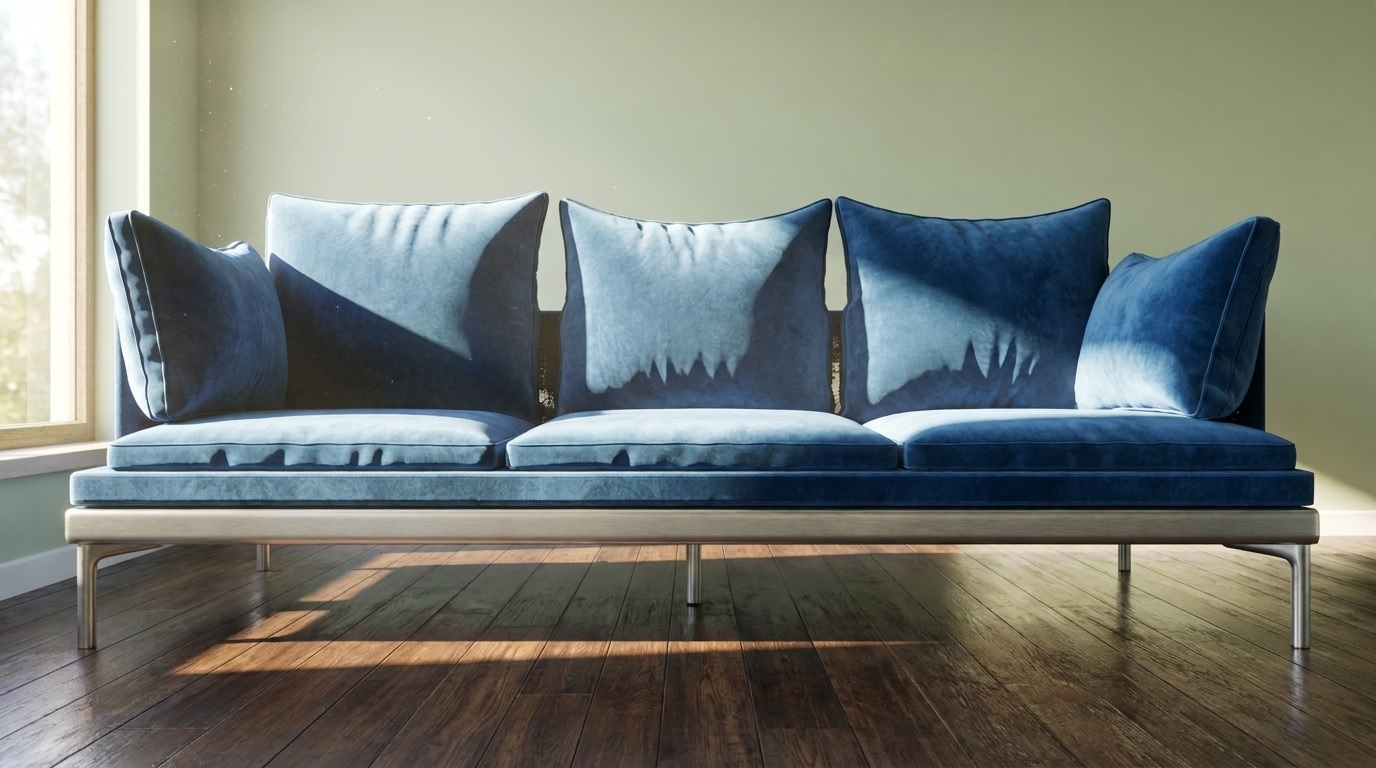
Turn one CAD file into a full set of on-brand hero shots and variants — different materials, angles, and environments.
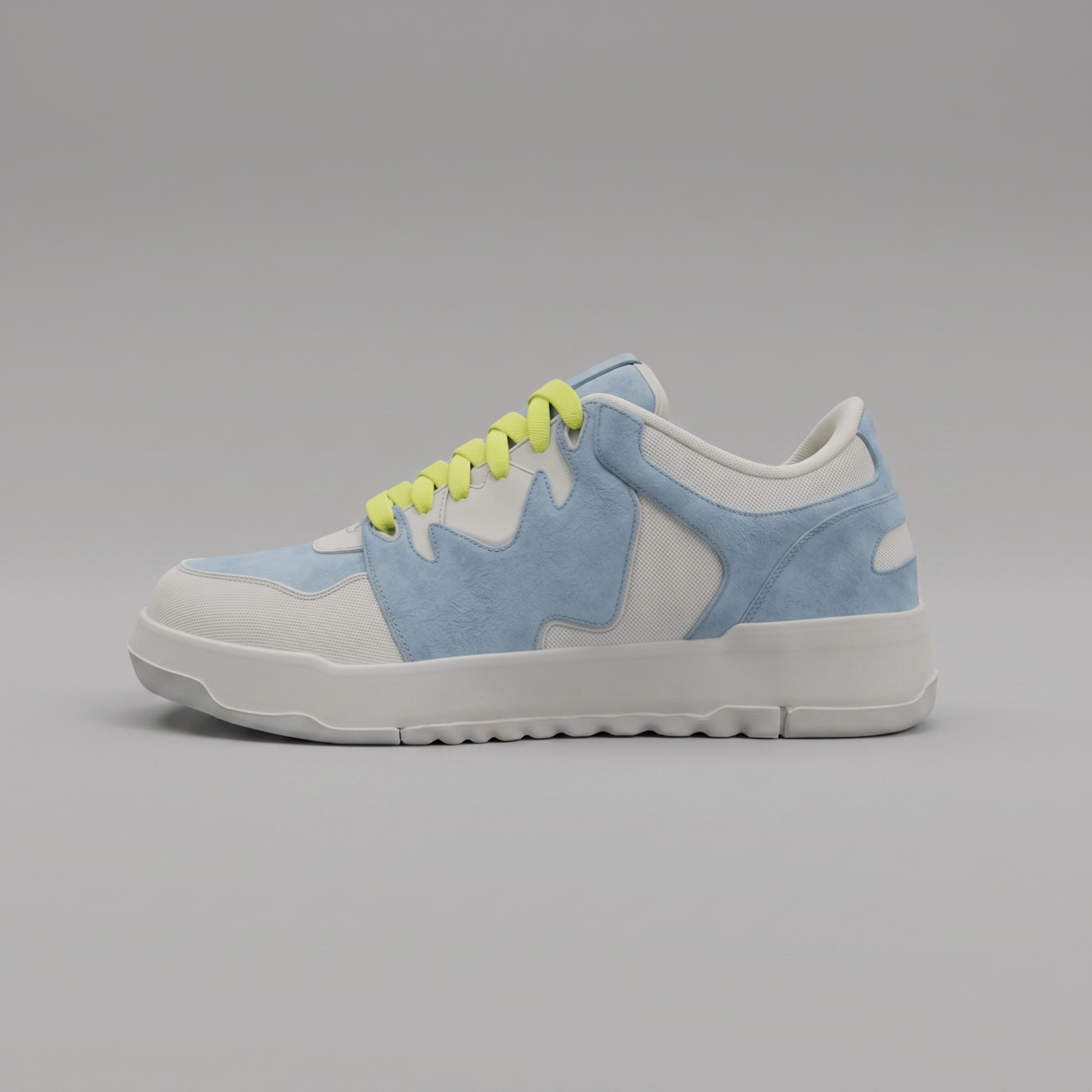
Lock a consistent look across a whole sequence of style frames before you render a single real frame — then pitch with confidence.
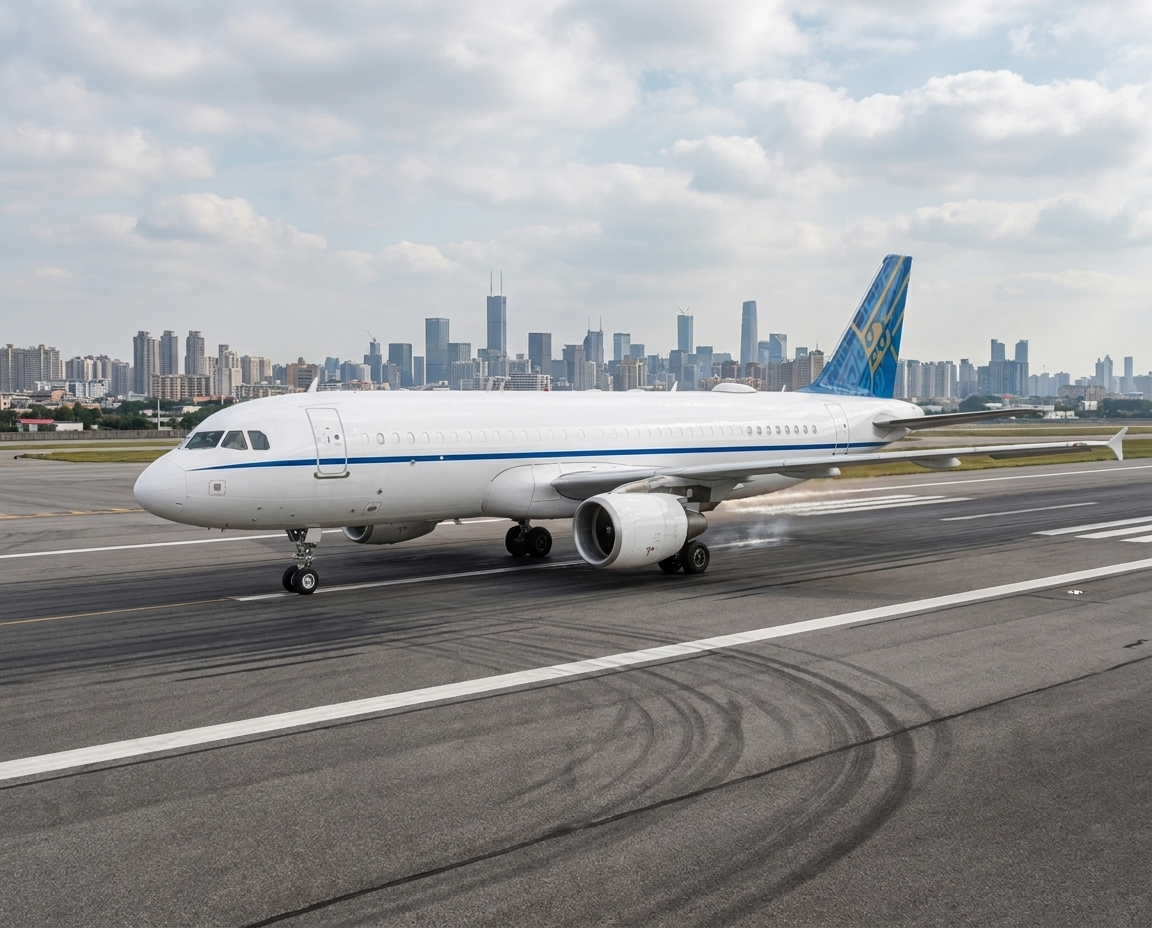
Go from a grey blockout to presentation-ready concept art in one session — volume and composition first, finish and mood second.
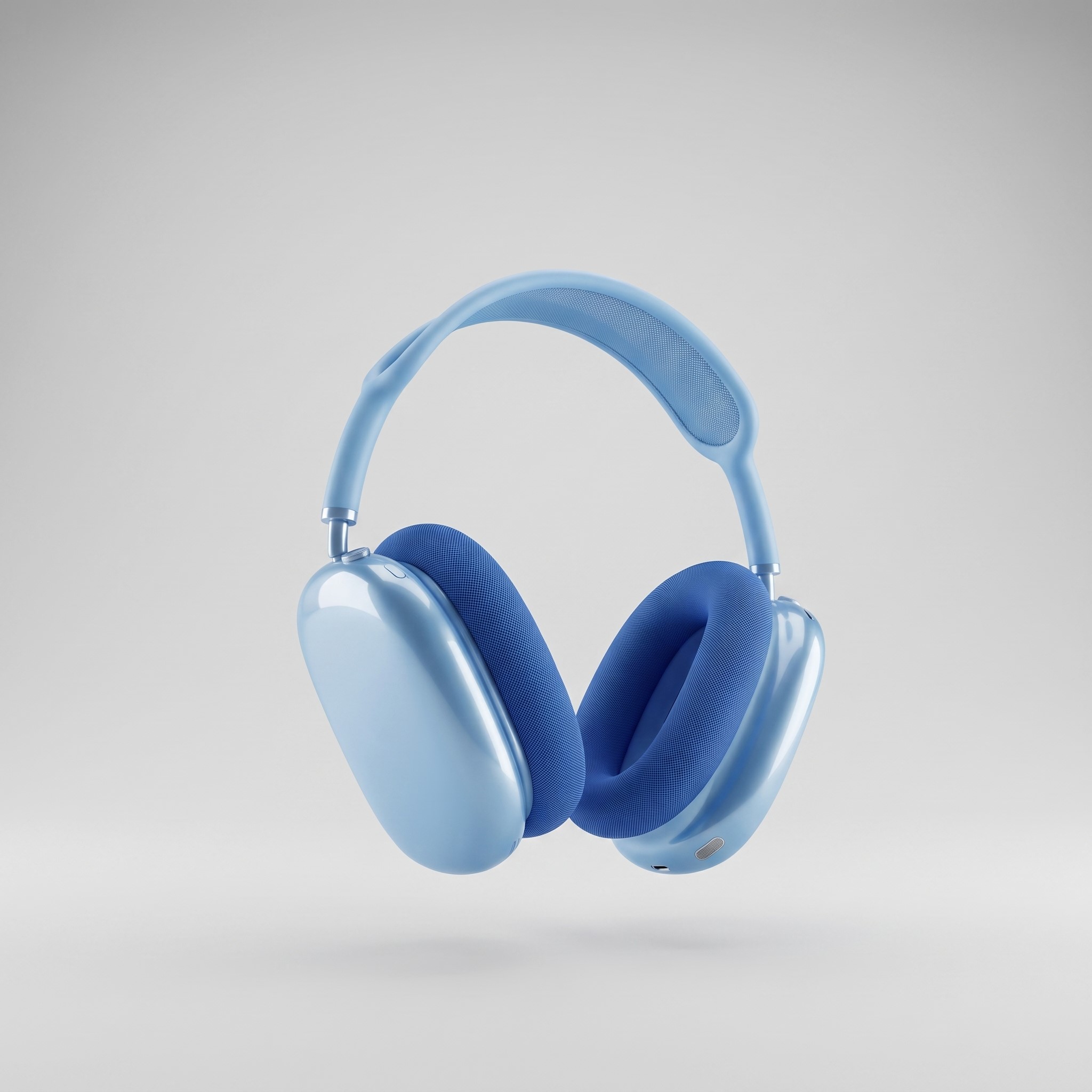
Buy what you need, use it whenever. Credits never expire on an active account — no subscription, no monthly trap.
Perfect for testing the waters and generating your first high-quality renders.
Enough power for a small, focused project or single scene.
For artists working on complex scene compositions daily.
Heavy-duty volume for studios with demanding workflows.
Maximum value for high-volume rendering pipelines.
Secure checkout via Stripe 1 generate = 1 credit · 1 harmonize = 2 credits Credits never expire on an active account
Install the Blender addon and start rendering today.